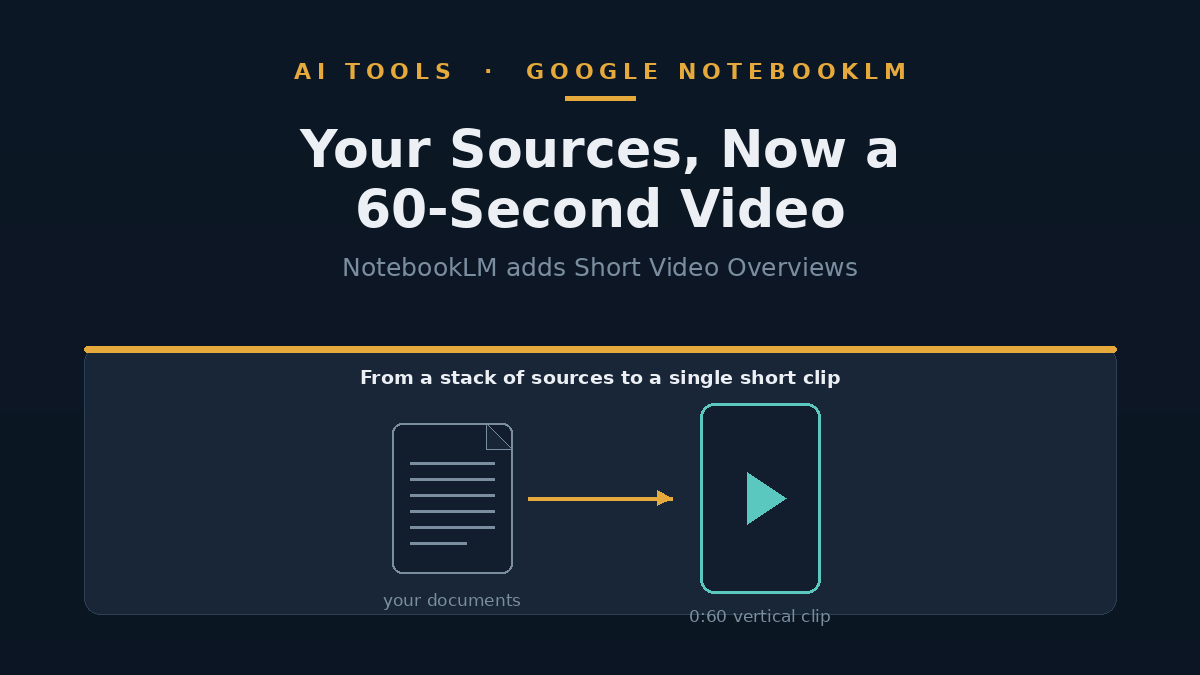
Google's NotebookLM can now turn the documents you feed it into a 60-second vertical video. The feature, called Short Video Overviews, was announced on 30 June 2026 and generates a portrait-format clip — the shape you'd watch on a phone — that walks through the key ideas in your sources with narration and simple animations. It is starting with paying subscribers (Google's AI Pro and AI Ultra tiers) on web and mobile, and is set to reach everyone, including free users, in the coming weeks. For now it only works with English-language sources. The honest summary: it's a genuinely useful way to skim dense material, not a reason to stop reading it.
This piece reflects reporting as of June 2026. Availability, model names and pricing for AI tools move quickly and may have changed since.
What a Short Video Overview actually is
NotebookLM is Google's research assistant: you upload sources — PDFs, notes, articles, slides — and it answers questions, summarises and reshapes them into other formats. Short Video Overviews are the newest of those formats. Point NotebookLM at a notebook of sources and it produces a roughly 60-second vertical video that explains the main points, pairing AI-generated narration with what Google describes as "narrative explanations and educational animations" and pulling in figures or diagrams from the documents themselves.
Under the bonnet, the clips are made by a new image model Google calls Nano Banana 2 Lite — officially Gemini 3.1 Flash-Lite Image — which Google launched the same day as its "fastest and most cost-efficient" image model. The practical point for a reader is the shape and length: this is a short, phone-native clip designed for a quick pass over material, not a documentary.
It's easy to confuse with NotebookLM's other videos
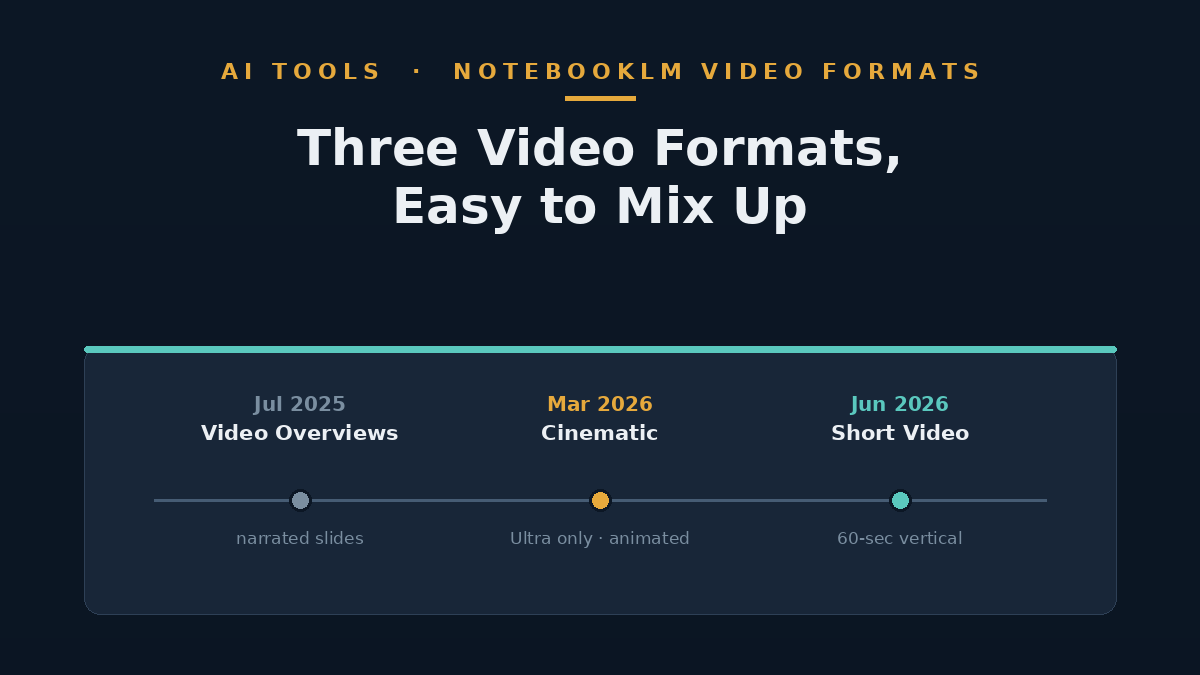
This is the third video format NotebookLM has shipped in under a year, and they are simple to mix up. The original Video Overviews arrived in July 2025 as narrated slides — a visual companion to the older Audio Overviews. In March 2026 Google added Cinematic Video Overviews, fully animated explainer videos that were limited to the top-priced Ultra plan. Short Video Overviews are the new, briefer, vertical option.
The thread connecting them is that NotebookLM keeps adding ways to consume your sources without reading them straight through — audio, slides, cinematic video, and now a 60-second clip. Which format is worth your time depends entirely on what you're doing: a quick orientation, a study aid, or something to share.
Who can use it, and what it costs
Short Video Overviews are rolling out first to NotebookLM's paid tiers — AI Pro and AI Ultra — on both web and mobile, with free users due to follow in the coming weeks. That is a notably wider reach than the Cinematic format, which stayed exclusive to the top-priced Ultra plan. NotebookLM itself has a free tier with usage caps, a mid-priced Pro option, and the premium Ultra plan; how many videos you can generate, and the exact prices, depend on the plan and have shifted more than once, so check Google's current pricing before you commit.
If you're a NotebookLM user wondering whether you have it yet, the answer for most people in late June 2026 is "not quite" — it's a phased rollout, and English-only at launch.
Is a 60-second AI video of your own notes actually useful?
It depends on the job. A hands-on test by Digital Trends found the short clips genuinely handy for getting the gist of dense material quickly — the same short-video format that fuels mindless scrolling, turned towards something you actually need to understand. For students, anyone making explainer content, or a professional triaging a long report, a 60-second visual summary is a fast way in.
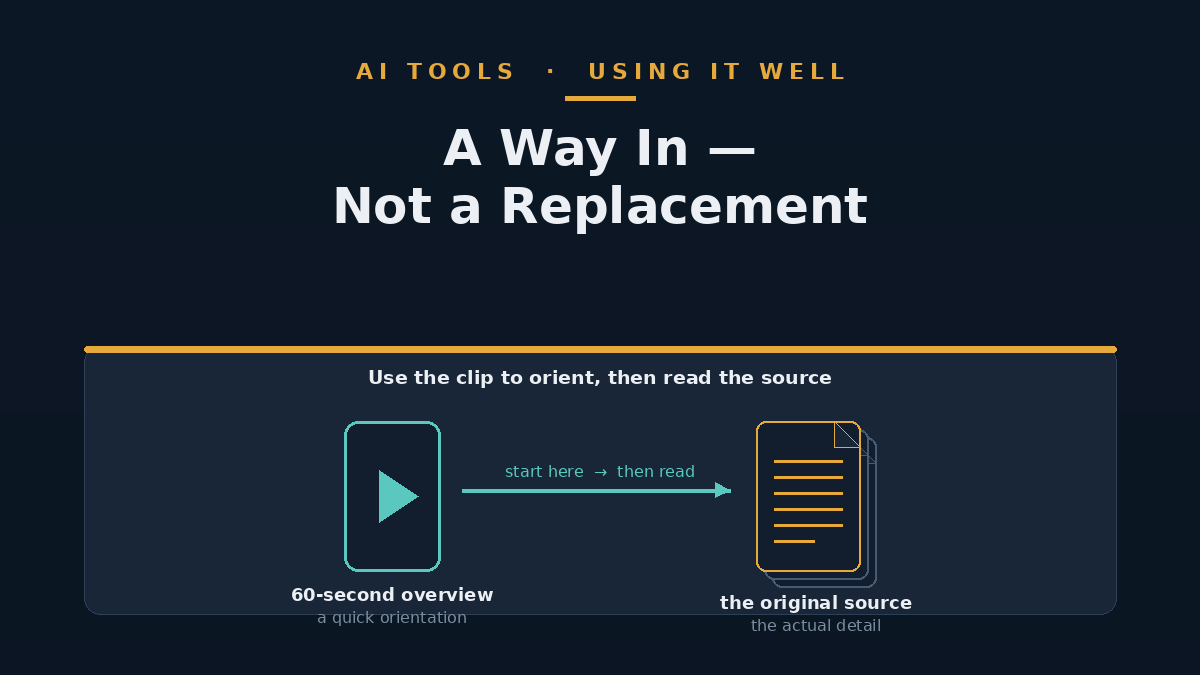
The limits are worth keeping in view. A minute of AI narration over auto-generated visuals compresses hard, and compression means choices about what to leave out — choices you didn't make and can't see. The visuals are generated, not verified, so a clip can look authoritative while glossing or subtly misstating a point from the source. As ever with AI summaries, the sensible use is as a way into the material, not a substitute for it: if a decision rests on what the document says, read the document. Treated that way — a quick orientation you then check against the source — it's a useful addition rather than a shortcut that bites you later.
FAQ
What is a NotebookLM Short Video Overview?
It's a roughly 60-second vertical (portrait) video that NotebookLM generates from the sources in a notebook, summarising the key points with AI narration and simple animations. Google announced it on 30 June 2026.
Do I need to pay for it?
At launch it's rolling out to NotebookLM's paid AI Pro and AI Ultra tiers, with free users expected to get it in the coming weeks. It currently supports English-language sources only.
How is it different from Cinematic Video Overviews?
Cinematic Video Overviews, launched in March 2026, are longer, fully animated explainer videos and were limited to the Ultra plan. Short Video Overviews are briefer, vertical, and reaching more tiers. NotebookLM also still has its original narrated-slide Video Overviews from 2025.
Can I trust the summary to be accurate?
Treat it as a starting point, not a verified record. The narration and visuals are AI-generated, so a clip can simplify or misstate a point. Use it to orient yourself, then check anything important against the original source.
The takeaway
Short Video Overviews are a sensible, accessible addition to NotebookLM rather than a leap — they take a format people already watch by the hour and point it at your own material. The genuinely useful part is speed: a minute to get oriented in something dense. The catch is the same one that applies to every AI summary, which is that a tidy 60-second clip hides the choices and the gaps behind it. Worth trying once it reaches your plan; not worth treating as the last word on anything that matters.
Sources
- 9to5Google — NotebookLM adding Short Video Overviews with Nano Banana 2 Lite (30 June 2026)
- The Verge — Google's NotebookLM can sum up your research in a TikTok-style clip (30 June 2026)
- Digital Trends — NotebookLM's 60-second videos turned my doomscrolling curse into something useful (June 2026)
- MacRumors — NotebookLM Now Creates Cinematic Video Overviews Out of Your Notes (5 March 2026)
- Google — What's new in NotebookLM: Video Overviews and an upgraded Studio (29 July 2025)